SeedBank
A seed library in your pocket.
We built an offline-first iPhone and iPad app for gardeners, plus a shared web library where community gardens catalog, swap and label their seed.
Seed lives on paper packets and old spreadsheets.
Community gardens and seed libraries keep generations of seed alive, but the records usually live on envelopes, in a binder or in one volunteer's spreadsheet. Nobody knows which jar holds which variety, how old it is, or whether it will still sprout.
Gardeners also work outdoors, in sheds and on plots with no signal. Software that needs the network to load fails exactly where it's needed.
A native app that works offline, and a web library that's shared.
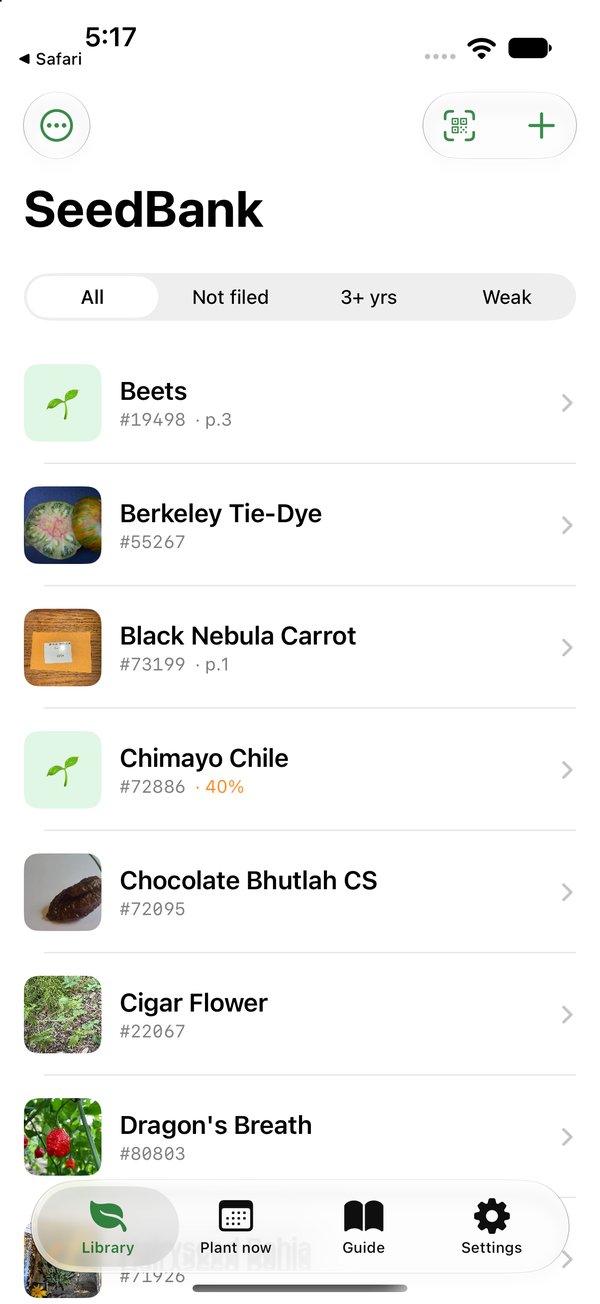
The iOS app keeps the whole library on the phone with SwiftData, so it needs no account and no network. The web SeedBank is where a town's gardens share their collections, offer swaps and print permanent QR codes. Both use the same record format field for field, so a library can move between them without losing anything.
Scan the packet
VisionKit reads the label's QR code or its five printed digits. A typed-code box always works as a fallback.
Labels at true size
Portrait 1.1 × 3.5 in PDF labels, six across and two down on a US-Letter sheet, identical on web and phone.
Planting calendar
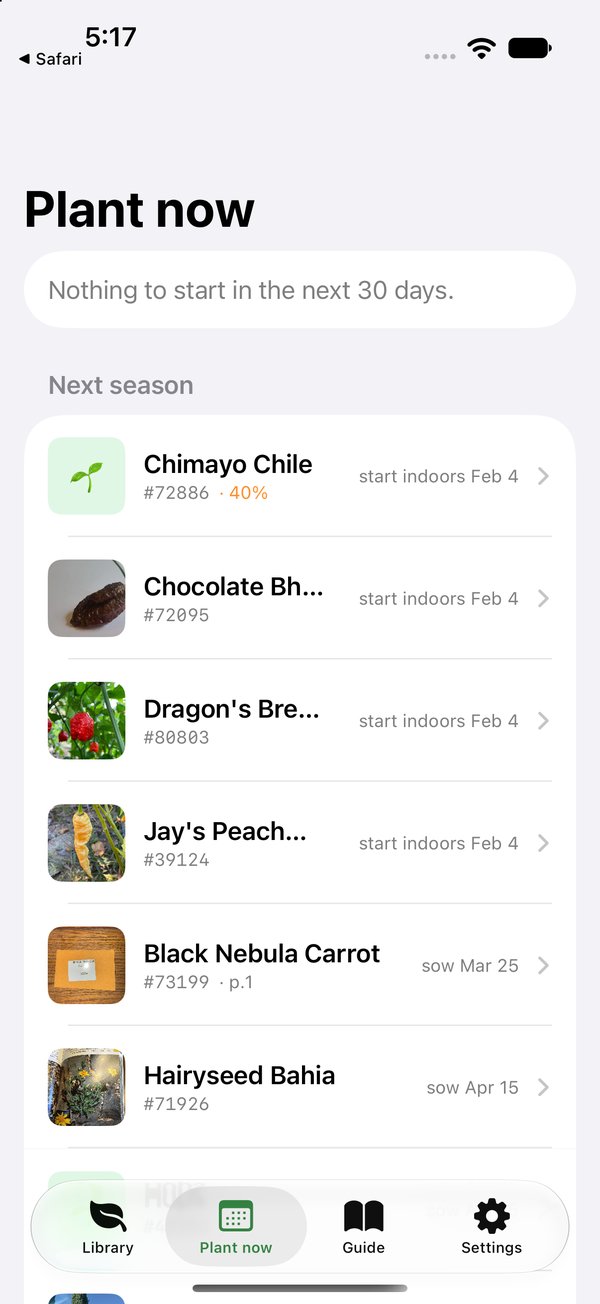
Uses the gardener's frost dates to show when to start indoors, sow, plant out and harvest, then rolls over to next season automatically.
Germination tests
Log seeds sown versus sprouted for any seed. The latest test sets its viability badge and drives the Weak filter.
Seed-saving guide
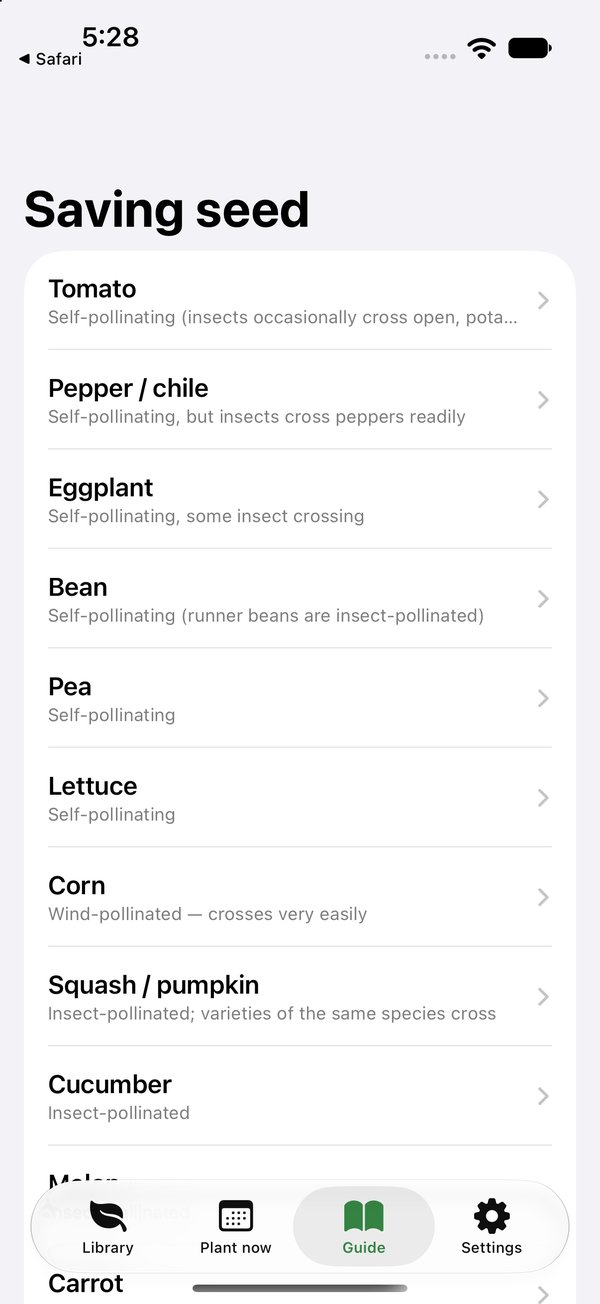
Pollination, isolation distance and cleaning steps for 20 crops, bundled in the app so it works offline.
Swaps & moderation
On the web, gardeners offer swaps and get alerts, and moderators have their own review desk.
Two clients, one contract.
Two-way sync. The sync engine pulls first and then pushes. When both sides changed, the phone wins. New seeds keep their printed code if it's free on the server, so a label never has to be reprinted. Photos, germination history and deletes all sync.
Scoped, revocable sign-in. Linking the app opens the website's sign-in in the system browser sheet. The server mints a garden-only bearer token and stores only its hash, and the app keeps the token in the Keychain. Either side can unlink.
The seed-saving guide ships inside the app as a JSON file that must match the server's copy byte for byte. If they drift, the platform's test suite fails.
Privacy by default. Photos are re-encoded to about 1600 px, which strips GPS metadata. Plant identification runs through the server, so the model's API key never ships in the app.
Built for App Review. SeedBank is a real SwiftUI app, not a web view in a wrapper. That's the kind of app Apple's guideline 4.2 is written to approve, and it's what works with no signal.
The shared library.
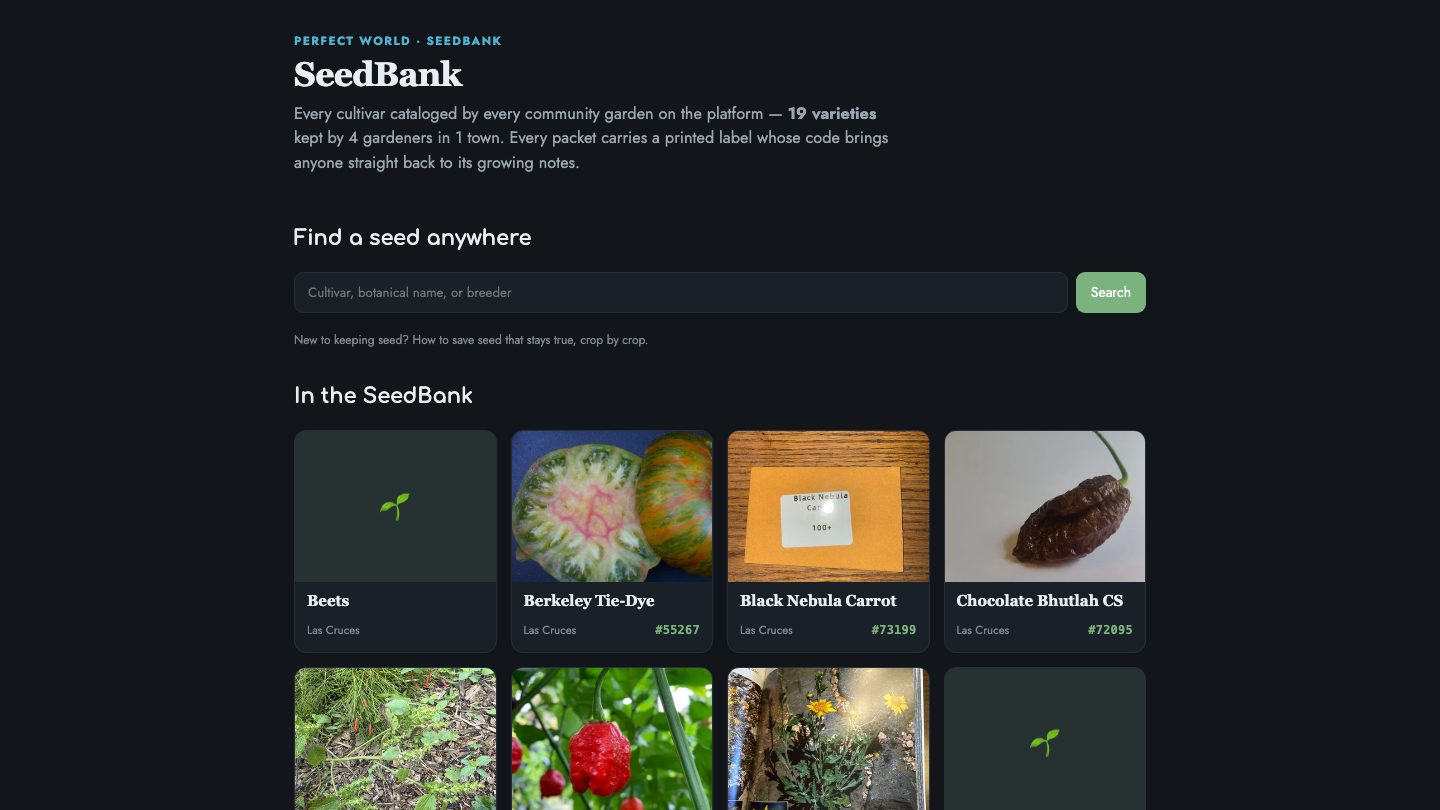
Every cultivar cataloged by every community garden on the platform, searchable by cultivar, botanical name or breeder. Each packet's printed code leads straight back to its growing notes.
Your next project starts here.
Tell us what it needs to do and who it's for. We'll reply with an honest take on scope, timing and cost.